My girlfriend's gas stove knob randomly just shattered probably from being nearly 20 years old I'm assuming. She taped it back together using packing tape. I tried finding a replacement knob on the internet, but couldn't even find the exact stove model on the internet. It had to be a really old model.
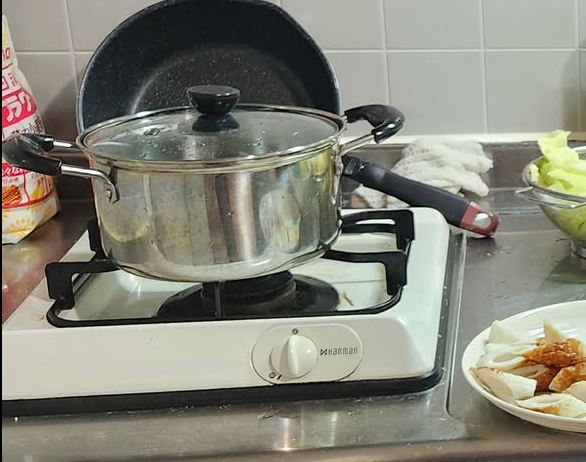
This gave me a (potentially dubious) reason to buy a 3D printer in Japan (after maybe 7 months of wishing I still had mine back home and avoiding the free one 40 min commute away). Secondly, after I unplugged my Windows PC, I challenged myself to create it entirely in FreeCAD because I like the pain of learning new things.
Reference Photos
Make sure you measure as much of the part as possible if you're not able to just take it (she wanted to cook still so I couldn't just take it with me).
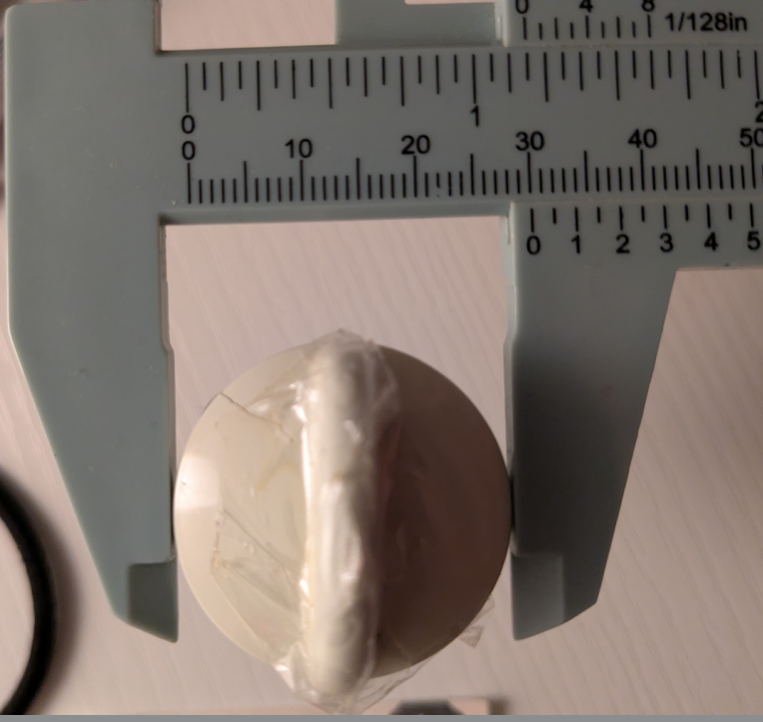
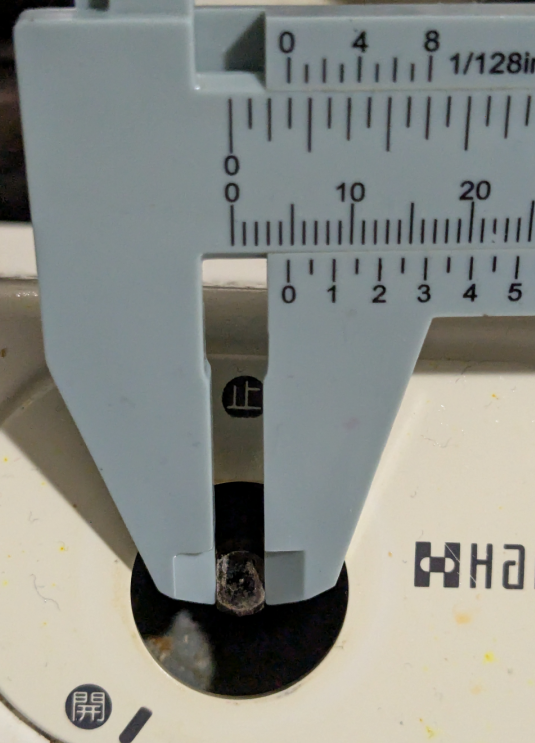
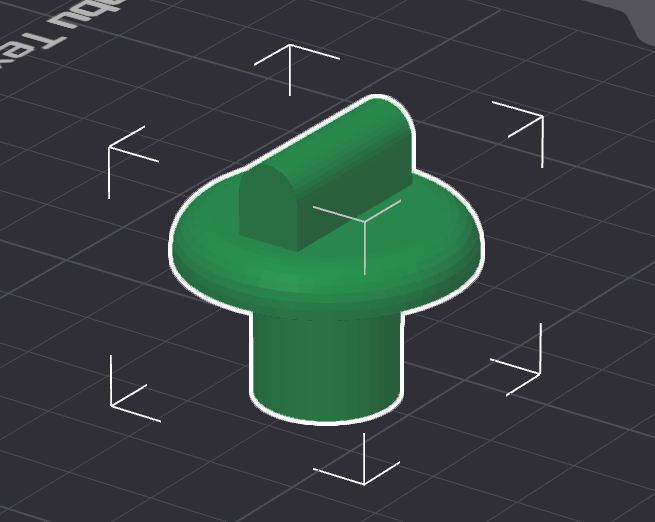
Coming from Fusion 360 I was thinking a little differently than the way FreeCAD works. After some finicking I printed this failed attempt without actually looking at the model in the slicer.
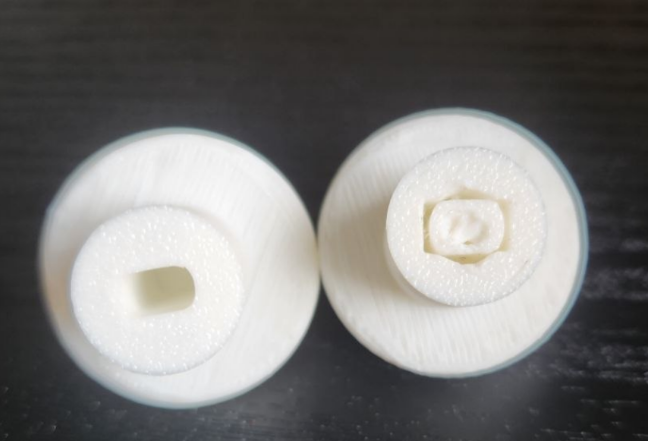
After consulting the FreeCAD Discord, a helpful netizen showed me the correct way to model things in Freecad. It's a lot more about using constraints compared to how Fusion 360 (I'm assuming) calculates them for you. It feels a lot more explicit when you need to define and lock down most of every line and point in the sketch, but after a few hours of learning how to use it, I'm not against it.
It's nice to have something that lets you own the model you design rather than restricts you to Personal Use, Windows, and slow cloud servers for saving your work.
Finally, here is the new knob working (had to reprint it a few more times because the tolerance was off). Printing just part of the model was key to testing it. Make sure you only print what you need when you're testing things, it saves a lot of time!
My next project in FreeCAD is a 3D printable business card!